A graph that keeps up.
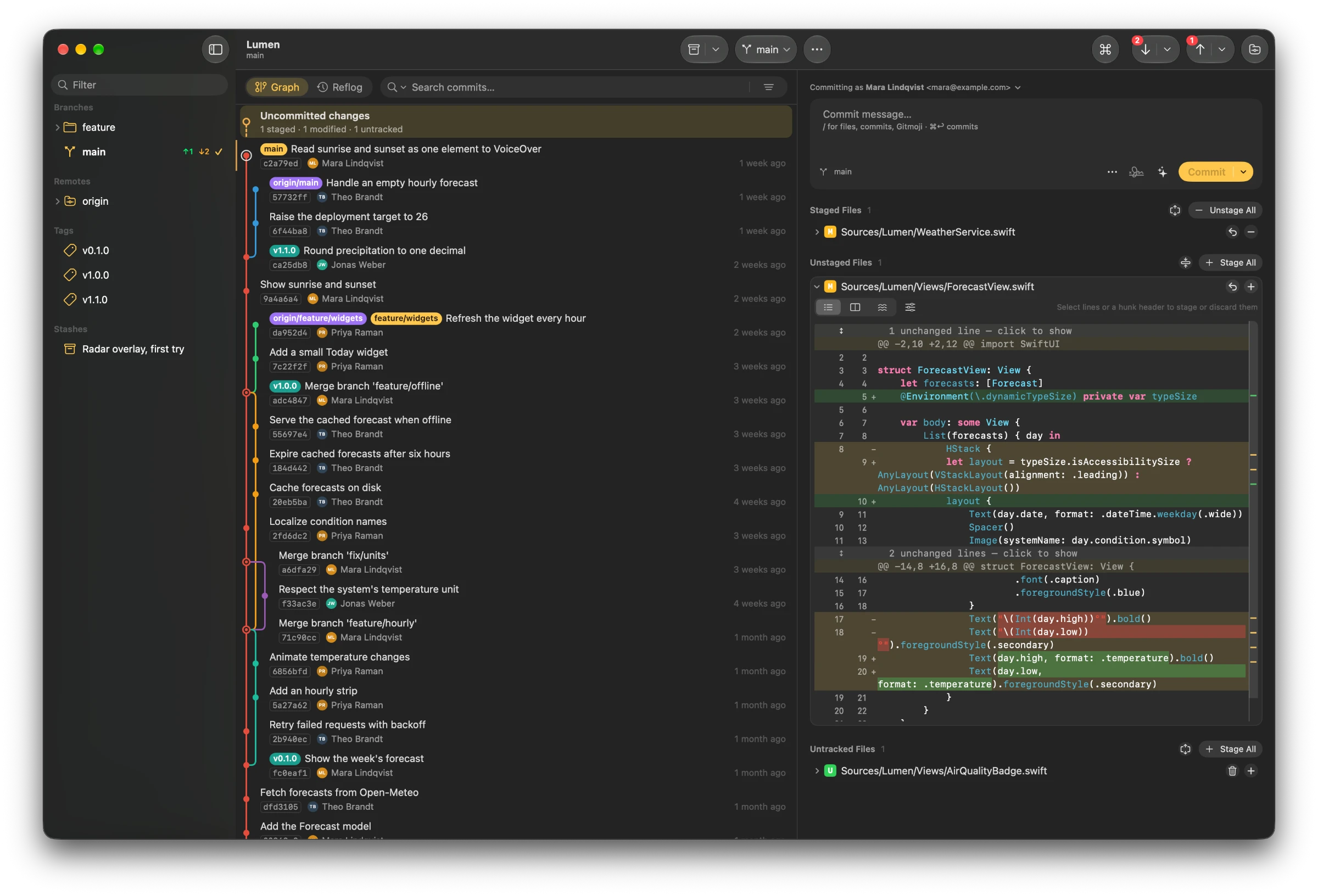
Drawn row by row as you scroll, so a long history moves like a short one. Search messages, authors, hashes or the code that changed.
 A native Git client for macOS
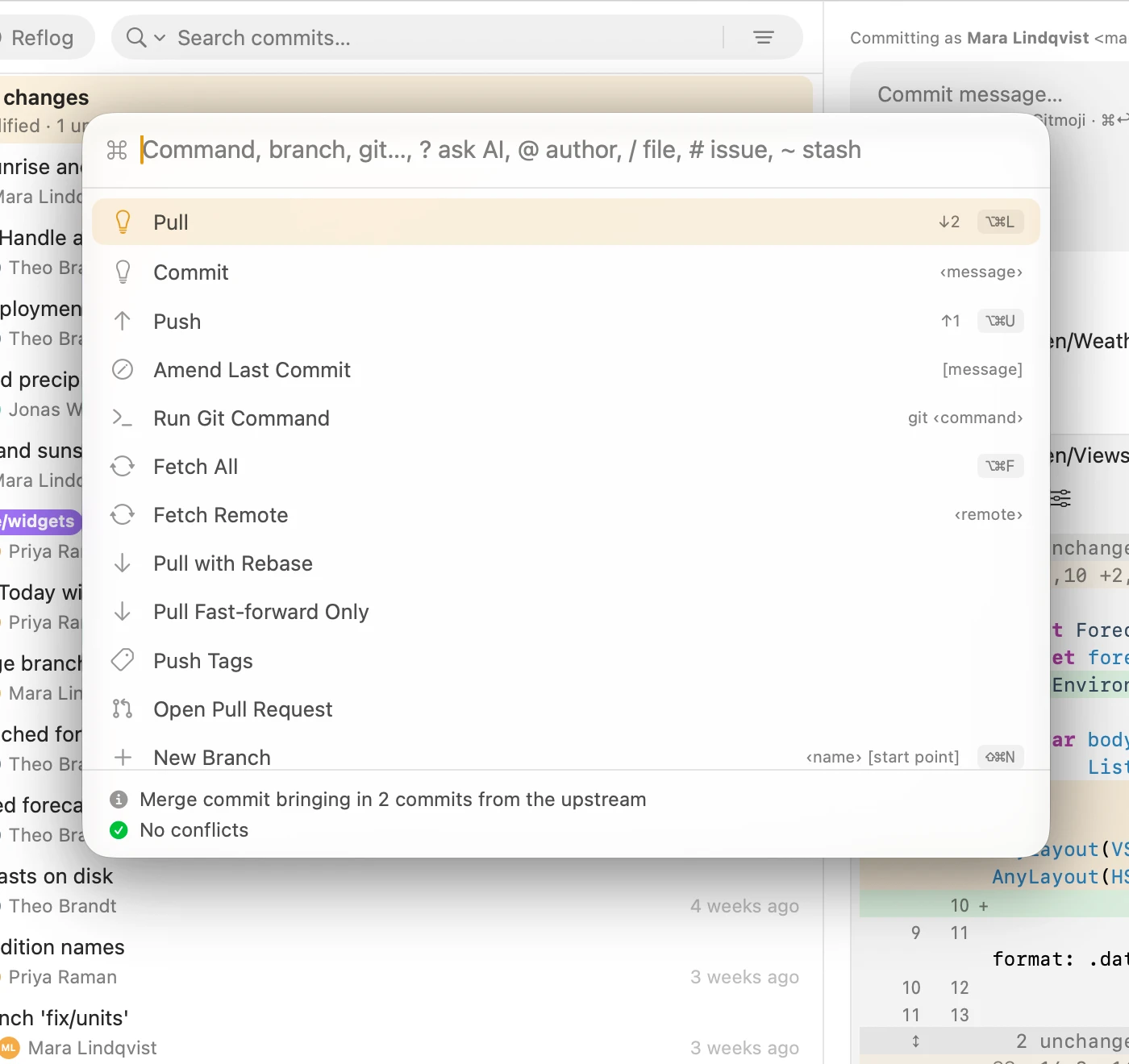
Every git command a keystroke away, every change one Undo from where it was.
For macOS 26 Tahoe or later
Signs in to
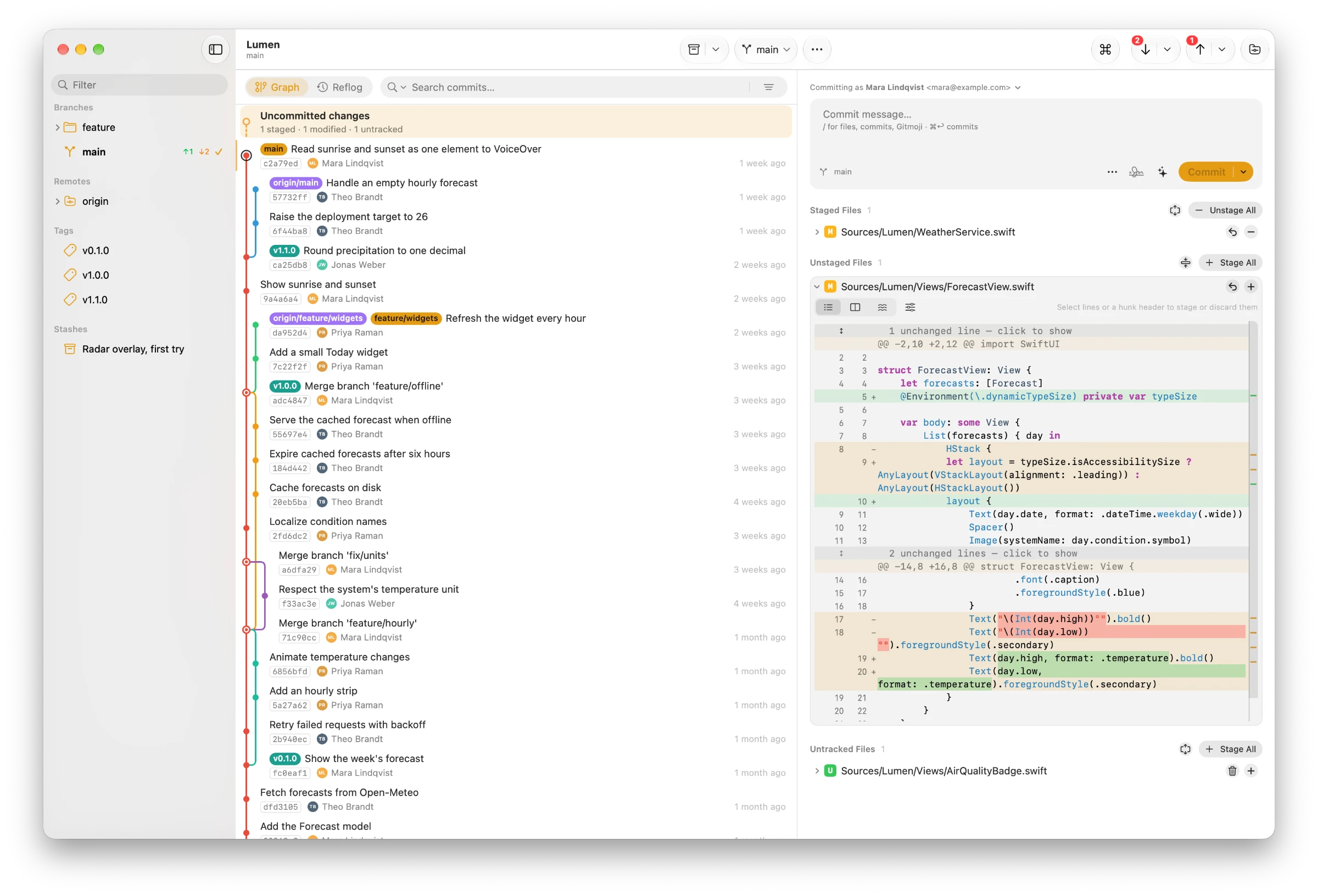
Every branch, every commit, every line you changed.
One window. Zero guesswork.
git log --graph --all
Kinetic runs the git you already have, with your config, hooks and keys. It just shows you what's going on.
git add -p
The things you do twenty times a day, made direct: pick lines with the mouse, undo with one click, ask when you've forgotten the flag.
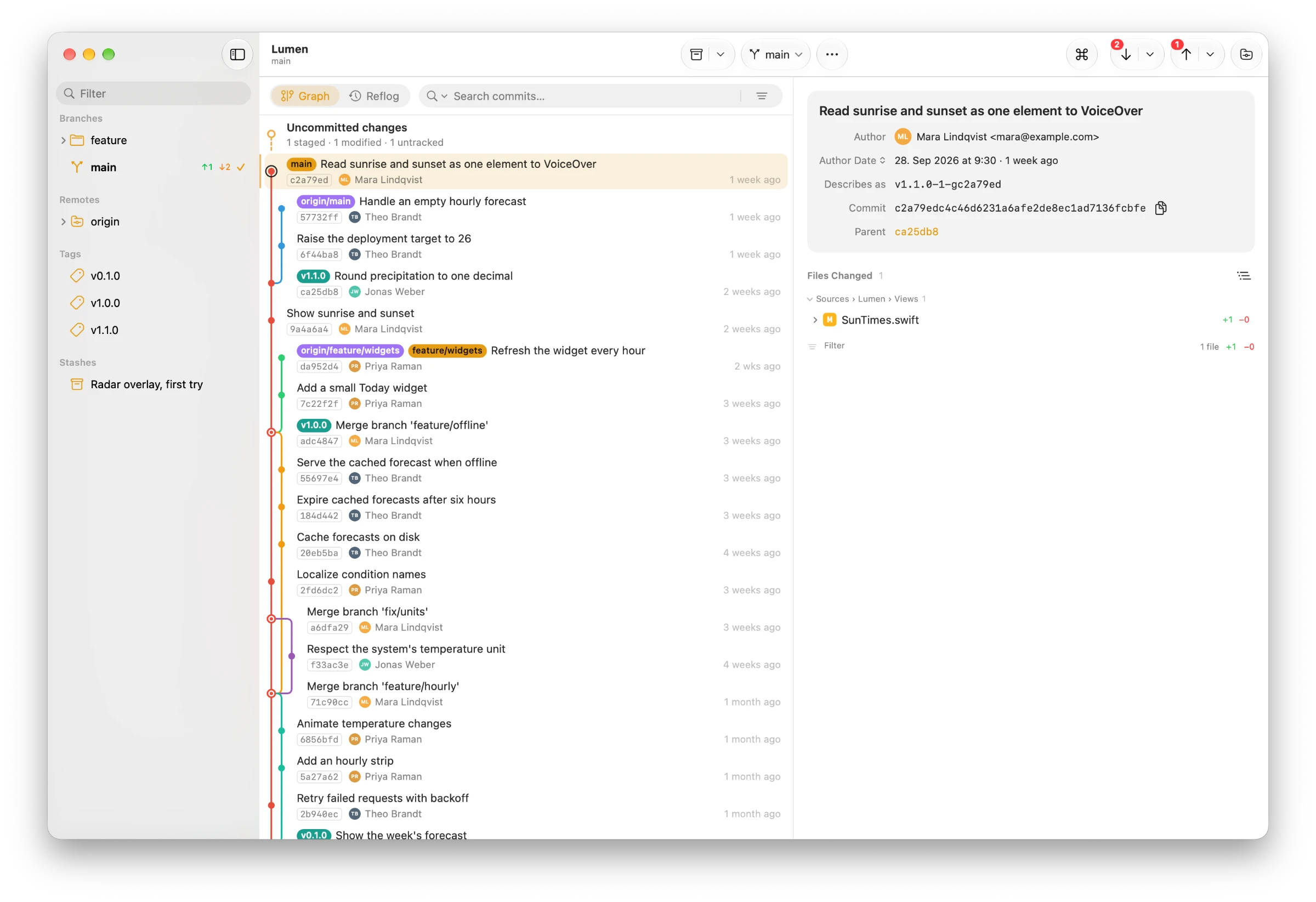
Select lines in a diff, or a whole hunk, and stage or discard just those. The rest of the file stays as it is.
Space stages a file, Delete discards it
Discard, reset, merge, rebase, pull — whatever changes your work says what it did and offers Undo. Discarded files are kept as snapshots for two weeks.
Snapshots are plain git refs
Type a question mark and what you want. The AI you pick — Claude Code, Codex, an API or Ollama — suggests the command, and you see it before it runs.
Off until you choose a provider
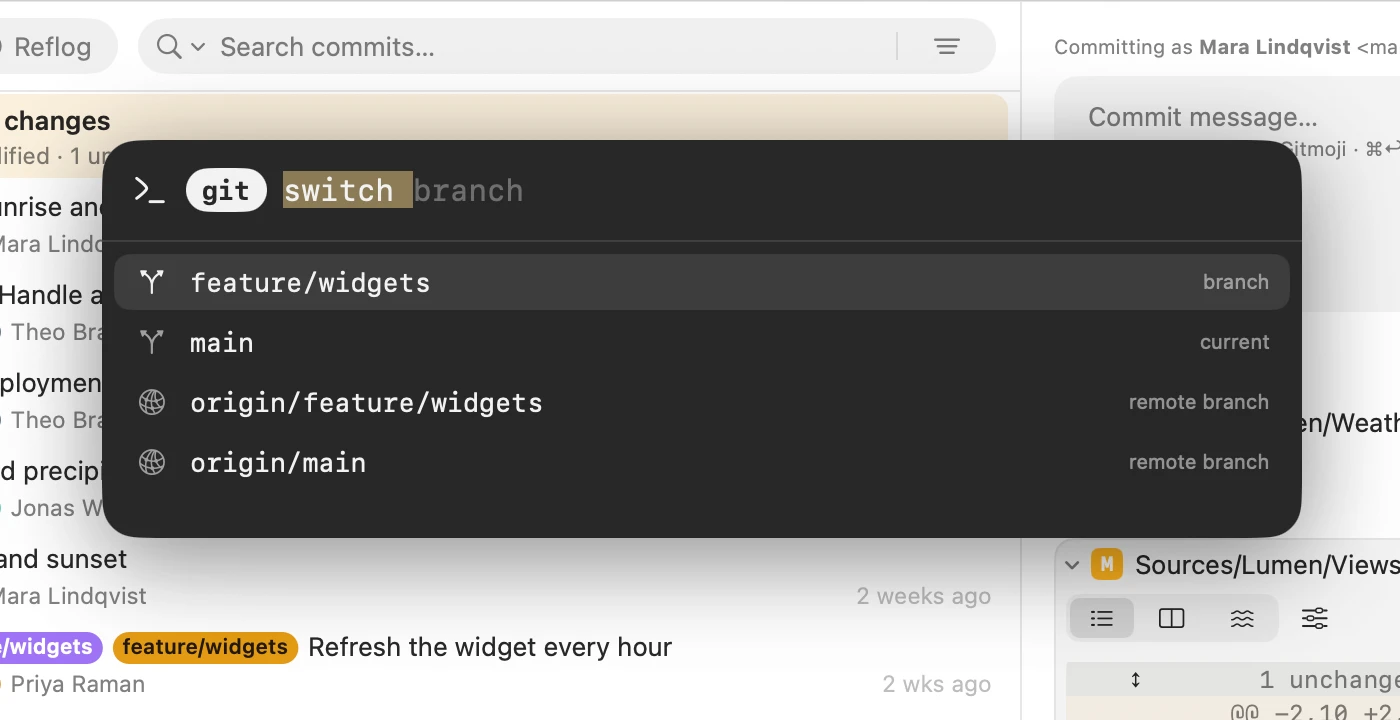
Or type git and a space for a small terminal: hints for forty common commands, branches and files completed as you type, and hashes in the output that jump to the commit.
git rev-list --count
Each one taken from Kinetic's own code or measured against it, with where it comes from under it.
Git libraries between you and git.
Every operation runs the git installed on your Mac — your config, your hooks, your credential helper and ssh-agent. What Kinetic does, you could type.
Less time on history chores
0%Squash, reorder, resolve, recover, search, apply: six tasks counted step by step against an expert at the command line.
Code themes
0CodeEdit's themes, from Solarized to High Contrast. Pick one for light and one for dark; Kinetic follows the system.
Settings ▸ General
AI providers
0Claude Code, Codex, eight APIs, Ollama or any OpenAI-compatible server. Your choice, and none by default.
Settings ▸ AI
git config --list
Toolbar, sidebar, sheets, menus and shortcuts are the system's own, so Kinetic behaves the way everything else on your Mac already does.
git help --all
Native code, no browser inside, so it stays light with a long history open. And all of git within reach, from the everyday to the twice-a-year.
Drawn row by row as you scroll, so a long history moves like a short one. Search messages, authors, hashes or the code that changed.
SSH, GPG or X.509 keys, several identities, and a switch per repository. Commit details say whether each signature checks out.
Each menu item is in ⌘P with its shortcut, and every shortcut can be changed.
Ours, theirs or both for each conflict, side by side, and Continue or Abort when you're done.
Author and commit dates, signature, git describe, notes and parents you can click through.
Sign in to GitHub, GitLab, Bitbucket, Gitea or Codeberg. Clone from your account, publish a new repository, open pull requests, complete issue numbers while you write.
git help
What people ask before they point a new tool at their repositories.
macOS 26 Tahoe or later, and git — the one Apple's Command Line Tools install, or one from Homebrew. Kinetic uses whichever your Mac has.
Half off while we launch.
1–49$8$4/mo
Total $40 $20 a month
$4 per license, billed monthly
Opens the repositories you already have
For macOS 26 Tahoe or later